
Different kitchens. Still eating together.
Guests order from several stands at once and pay once. Each stand only receives its own part.
In use at venues including








Sold out or a short pause: the hall decides.

As an owner you can regulate the flow yourself, for example by setting products to ‘sold out’ or pausing the system for a moment when it suddenly gets too busy.
Entree MagazineEnglish translation of the Dutch originalRead the Dutch article at Entree
From browsing to one order
Guests choose from different stands, pay once and see where to collect their food.
Browse every stand
Each stand shows its own dishes and what can be ordered right now.
Everything in one basket
Dishes from different stands come together in one order.
Collect at the right stand
After ordering, guests see which stand has each dish ready.

Hatch 1 · Taco Quay
Hatch 2 · Wok Dock
Hatch 3 · Firebird
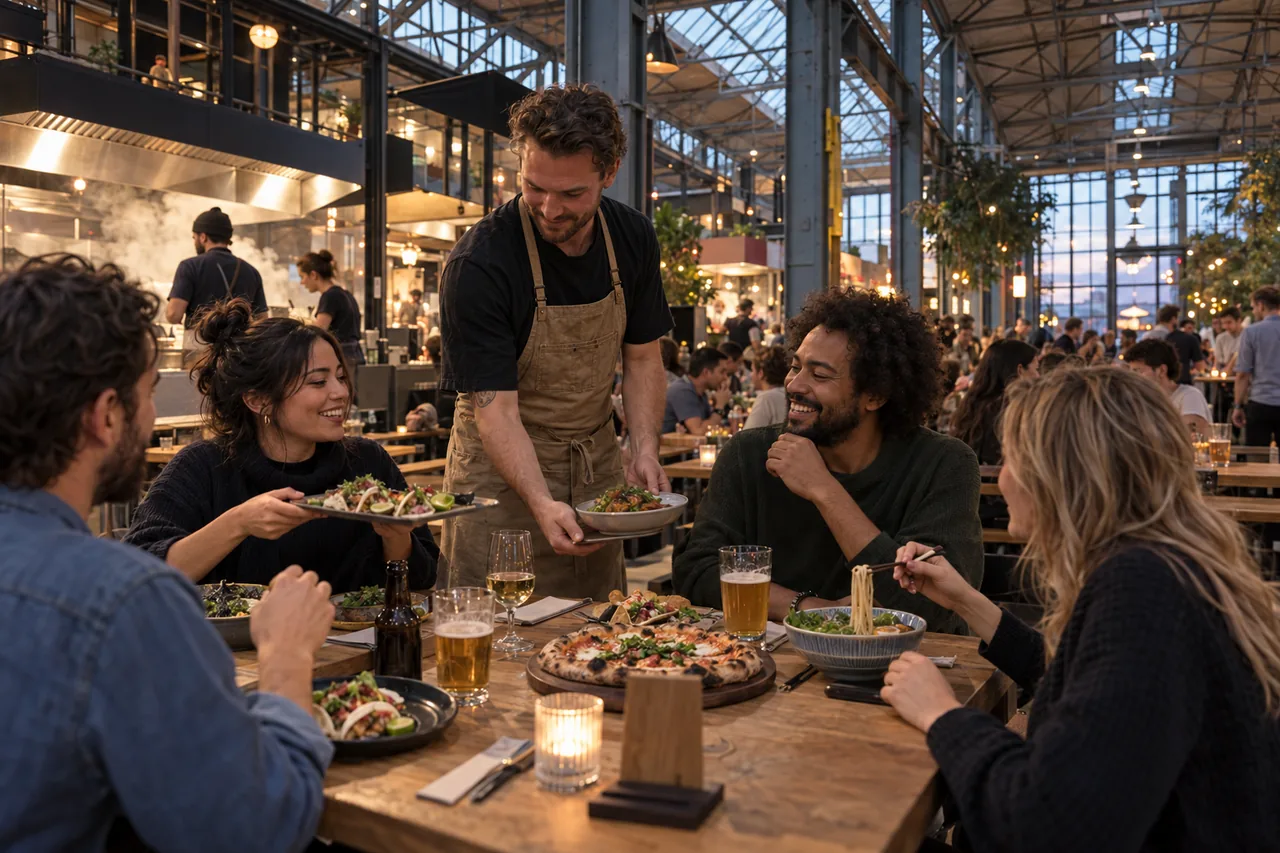
Four friends want to try four kitchens and still eat together.
One wants tacos, another a bowl, the third a burger. They order in one go from the table, pay together and see which stand to collect each dish from.
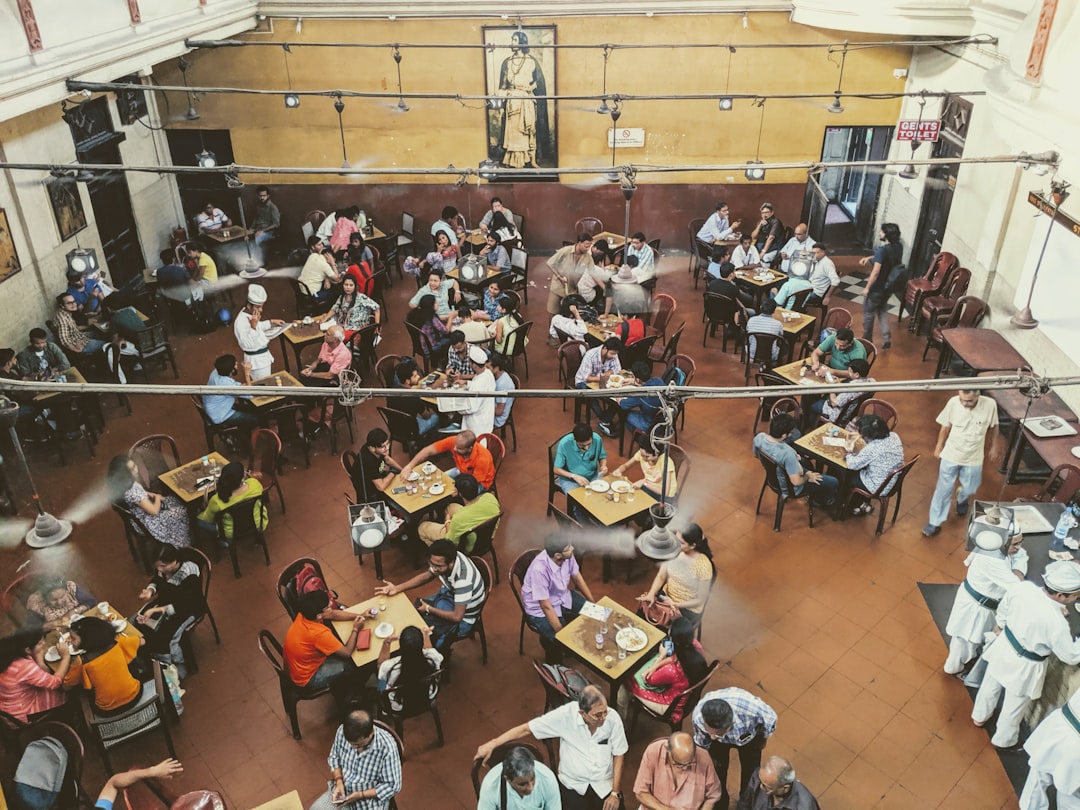
Many kitchens, one hall
Every stand works differently
Different dishes, different options and sometimes different opening hours.
Guests order as a group
They want to order everything at once and pay once, even when it comes from four stands.
The hall has a face too
Each stand keeps its own style, and the hall still feels like one place.
One order for the guest. A ticket for each stand.
The guest pays once. The tacos go to the taco stand, the bowl to the wok stand, and each kitchen only sees what it has to make. When something is ready, the guest gets a message from that stand.
Example: a guest orders from three stands in one basket and pays once. Each stand gets its own ticket with only its own dishes, and the guest gets a message from each stand as soon as the food is ready.

Stand 1Taco Quay Ticket printer Waiting for an order
Table W-18- 1×Birria Beef Tacos
Already paid Guest notifiedStand 2Wok Dock Tablet Waiting for an order
Table W-18- 1×Teriyaki Chicken Bowl
Already paid Guest notifiedStand 3Firebird Ticket printer Waiting for an order
Table W-18- 1×Firebird Burger
- 1×Hot Harbour Wings
Already paid Guest notified
One payment, every stand paid.
A guest pays once for a cart from several stands, and the order splits into one order per stand with its own POS ticket. Each stand’s share goes to that stand’s own payout account; the tip follows the route configured for it.
Flow diagram: one QR code leads to one payment. That payment splits into a separate order per stand and a separate part for the tip. Each stand is paid out to its own account; the tip follows its own route.
Each stand keeps its own menu up to date.
Every kitchen switches dishes off, edits its menu and sees its own orders.
Sold out is sold out, per stand.
The taco stand switches off the birria when it runs out; the rest of the hall keeps taking orders. When it gets too busy, a stand can pause for a moment.
See rush control
Available to order · shown on the guest menu
Choose by stand
- Birria Beef TacosTaco Quay · 3€13.50
- Firebird BurgerFirebird€14.50
One payment, clearly split per stand.
The guest pays once for every stand. For each stand you see what was sold and paid.
See POS integration- Subtotal
- €28.00
- Total
- €28.00
Visitors from abroad read along.
A guest from Germany or the UK switches the menu to their own language with one button.
See multilingual menus
Menu language
Taco Quay
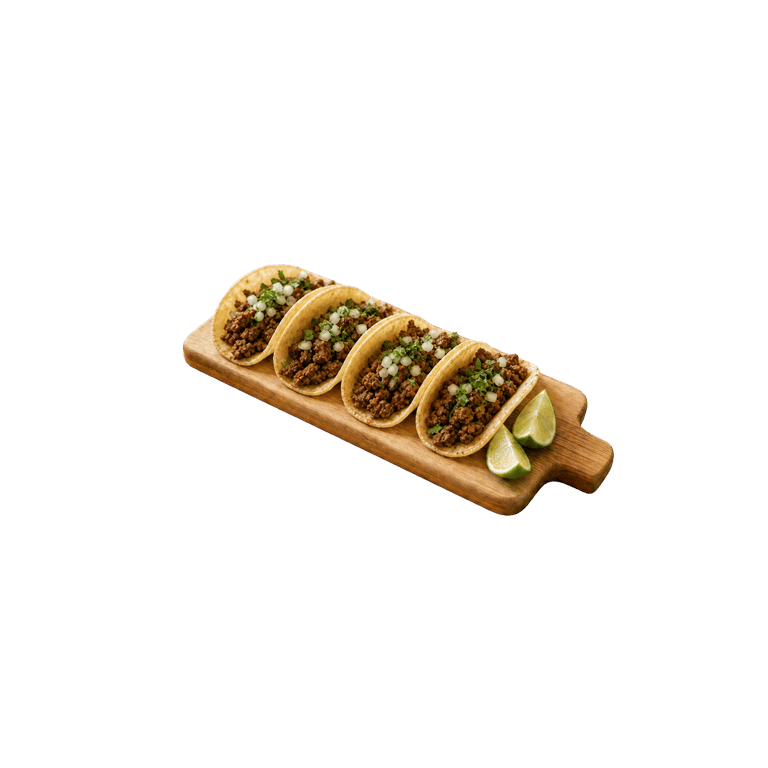 Birria Beef TacosThree red-chilli beef tacos, onion, coriander and a cup of rich consommé.€13.50
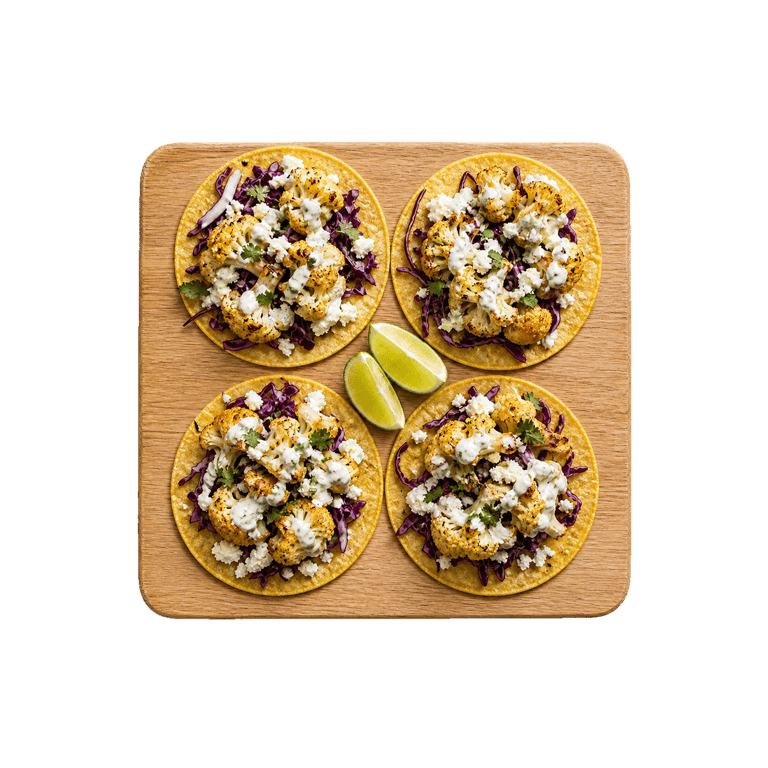 Charred Garden TacosThree cauliflower tacos with corn, feta, pumpkin seed salsa and herbs.€11.50
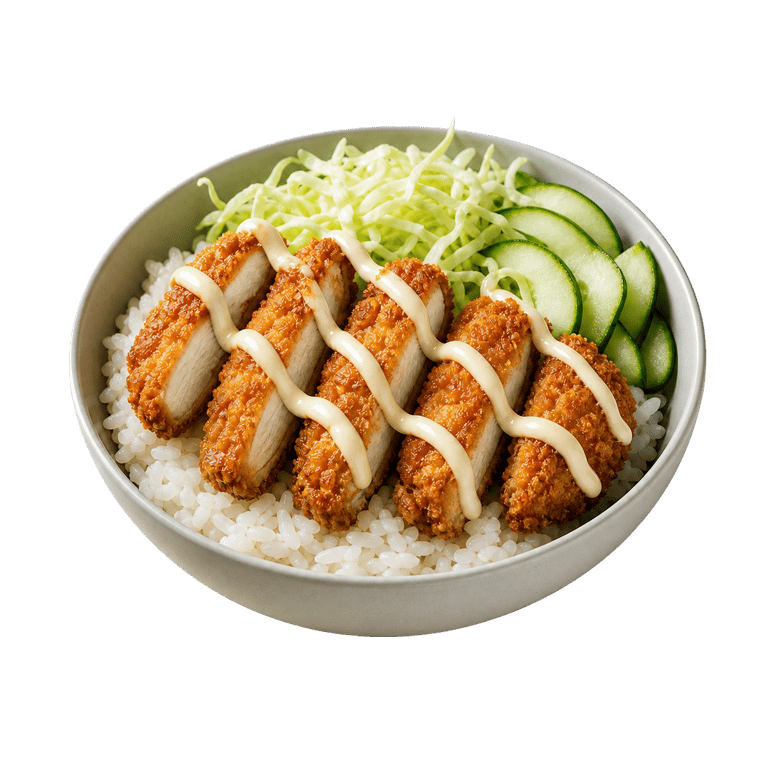 Teriyaki Chicken BowlCrisp chicken, steamed rice, edamame, cucumber, sesame and house teriyaki.€13.50
What food halls often ask us
Which stand gets which part of the order?
Each stand only receives its own dishes, on its own printer or tablet. The guest sees where to collect what.
How is revenue split between stands?
You see what each stand sold. How payouts work is something we agree with you in advance.
Does each stand manage its own menu?
It can. You decide who may change what: the hall, the stand or both.
Which way of ordering suits my venue?
At the table, guests order most easily by QR code on their own phone. Where guests queue, at a counter or in a food hall, they order at a kiosk. For takeaway and delivery they order on your own ordering site. QR ordering and the kiosk use the same menu and POS link, so they can run side by side.
Does the kiosk use the same menu as QR ordering?
Yes. The kiosk uses the same menu and the same POS link as your QR ordering. Guests pay right at the kiosk.
Do guests need to download an app?
No. Guests order and pay in their phone’s browser: through the QR code at the table or the link to your own ordering site for takeaway and delivery. At a kiosk they order and pay on the kiosk itself.