
Self-service kiosk
The queue orders itself.
Guests build their order on a large screen and pay right at the kiosk. With the same menu, POS link and routing as ordering at the table.

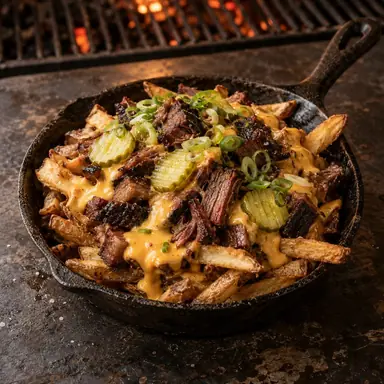




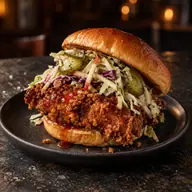 Hot Honey Chicken
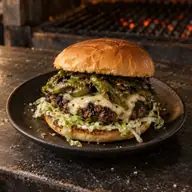 Green Chile Cheeseburger
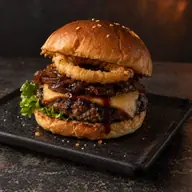 Smokehouse Stack
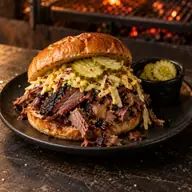 Chopped Brisket Roll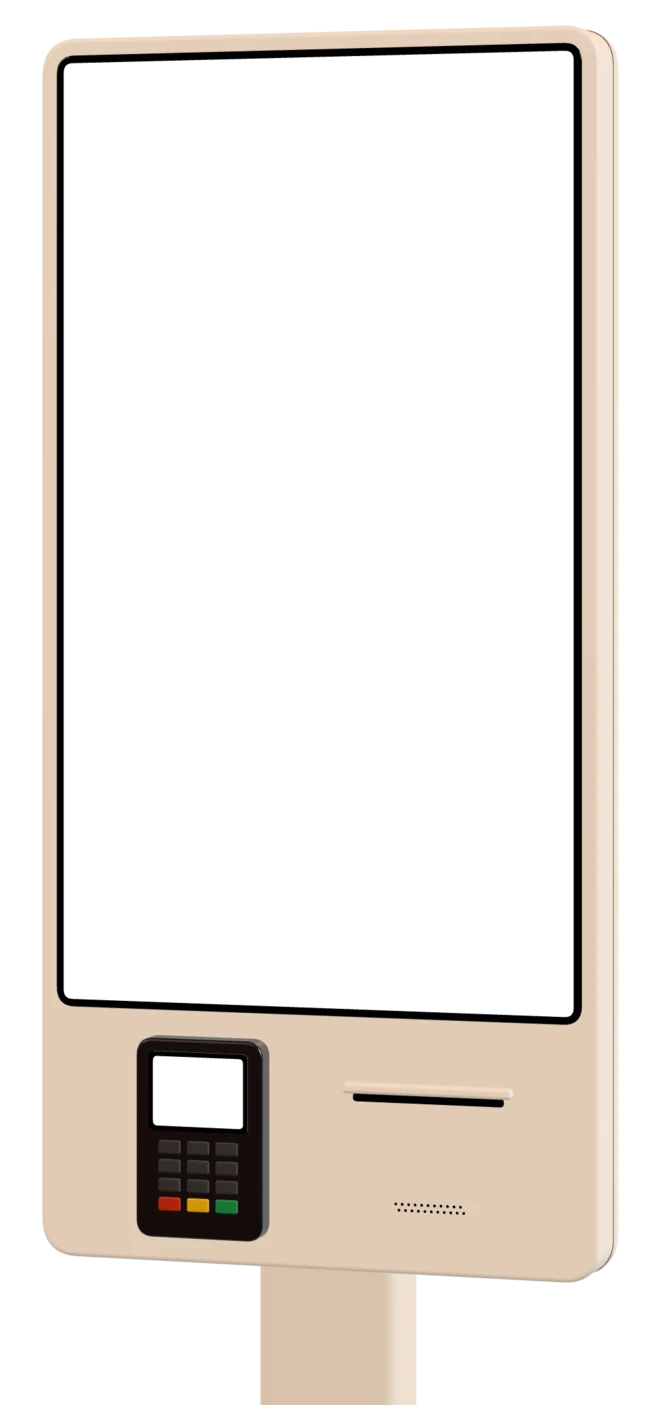
The counter becomes where you collect.
Guests order at their own pace. Your team prepares and hands out.
One menu for table, kiosk and counter
The kiosk runs on the same menu, POS link and routing as table ordering. Switch off a dish or change a price, and the kiosk follows.

KDe Kade
Eat in or take away?
Your order
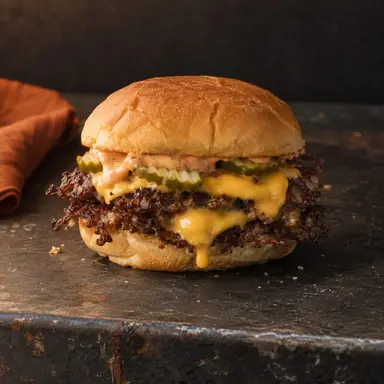
- 1× House Smash€14.50
- + Sea Salt Fries
- 1× Peach Iced Tea€4.75
Total€19.25
Thank you, Sanne!
Your pickup code
214
Your receipt is printing
Receipt with pickup code, then back to start
Pay at the kiosk, receipt in hand
Each kiosk can have its own linked card terminal, and invoice or cash-only at the till work too. After payment the receipt prints with a large pickup code and the kiosk returns to the start by itself.

De Kade
Take away
- 1× Smashburger€14.50
- + Sea salt fries
- 1× Peach iced tea€4.75
Total€19.25
Paid by card
Keep this receipt until your order is ready
- Kiosk 1 · EntrancePortrait · NL EN DEOnline
- Kiosk 2 · By the lanesPortrait · NL ENOnline
- CounterLandscape · cash onlyOnline
Common questions
Do I need a separate menu for the kiosk?
No. The kiosk shows the menu you already use for QR ordering. You can pin the language per kiosk, and per menu you set how long the confirmation screen counts down.
How do guests pay at the kiosk?
Each kiosk can have its own linked card terminal; paying by invoice or cash-only at the till is possible too. After payment the receipt prints with a large pickup number.
Which devices does the kiosk run on?
As a locked-down app on Android, Windows or Debian, with your own photos or video on the start screen. We manage the kiosks remotely (now in beta) and step in when something comes up.