
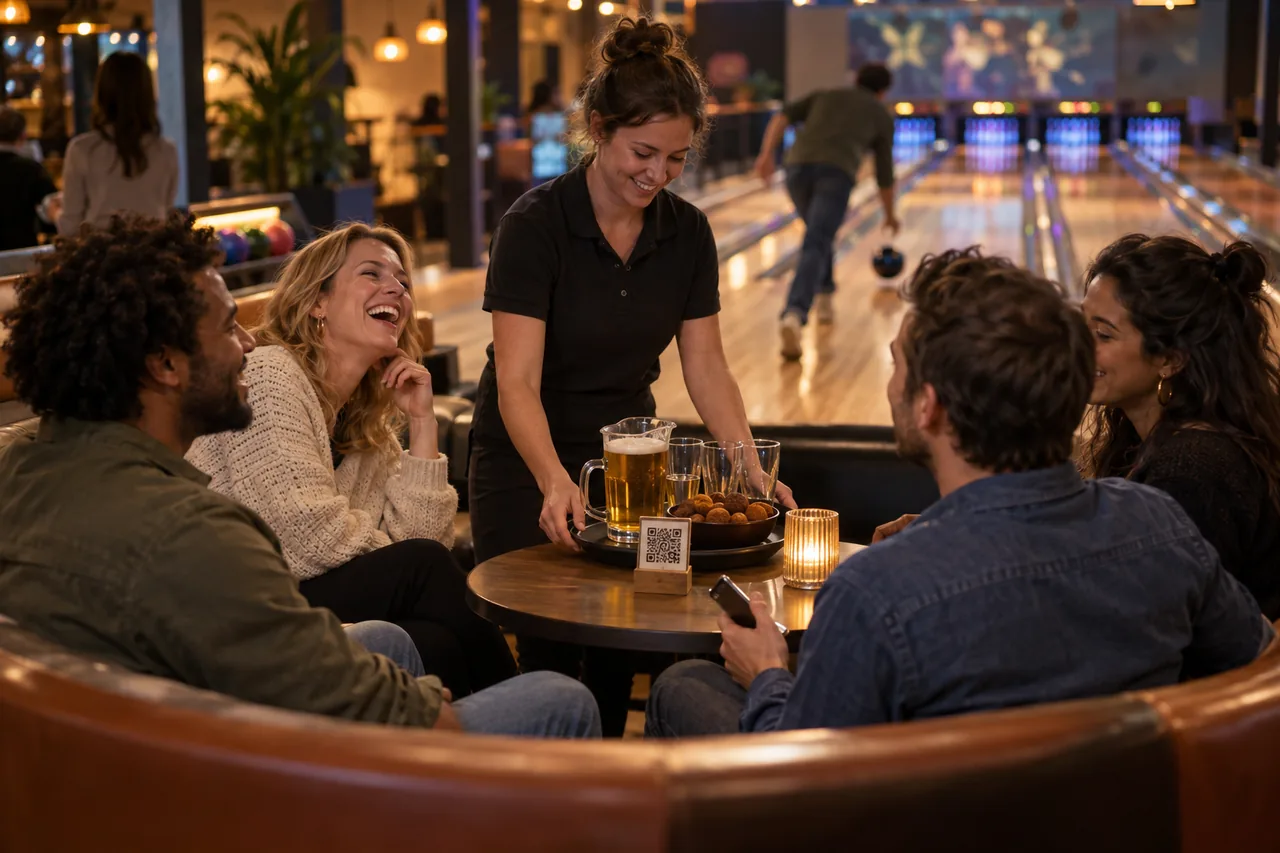
Order from the lane. Stay in the game.
Nobody needs to go to the bar. Guests order from their lane, on their own phone or the tablet at the lane, and your team knows exactly which lane the snacks belong to.
In use at venues including









Keep playing, even when you’re thirsty.
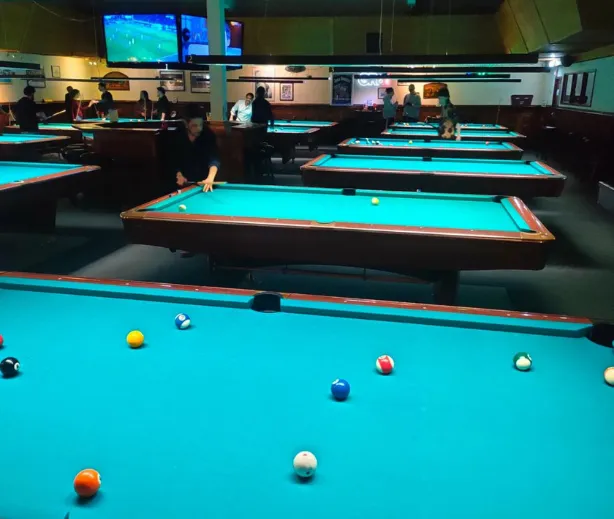

But when it gets really busy, guests can also quickly order for themselves with the QR codes. That way they don’t have to interrupt their game of pool to walk to the bar. It makes things easier for guests and staff alike.
Entree MagazineEnglish translation of the Dutch originalRead the Dutch article at Entree
From thirsty to lane service in three steps
Short enough between throws, complete enough for the bar.
Order at the lane
The QR code at the lane, or the tablet beside it, opens the menu and already knows the lane number.
Build the round
Drinks, snacks and quantities stay clear, even for a group of eight.
Keep playing
The order arrives at the bar with the lane number on it.

For the whole lane
Pizza & burgers
Every lane in one view.
Lane 8 orders a round between throws, lane 3 is waiting for pizza. Every ticket carries the lane number, so your team sees at a glance what goes to which lane.
Lanes · tonight
Open · in the order placed
- 61× Hot Wings, 2× House PilsOn its way
- 31× Margherita, 1× Crispy Chicken Burger, 3× House PilsPizza in the oven
- 84× House Pils, 2× Ginger Beer, 1× Lane PlatterRound ordered
The snacks are gone and nobody wants to miss a throw.
Between two throws someone orders another round and a plate of nachos, and the group just keeps playing.
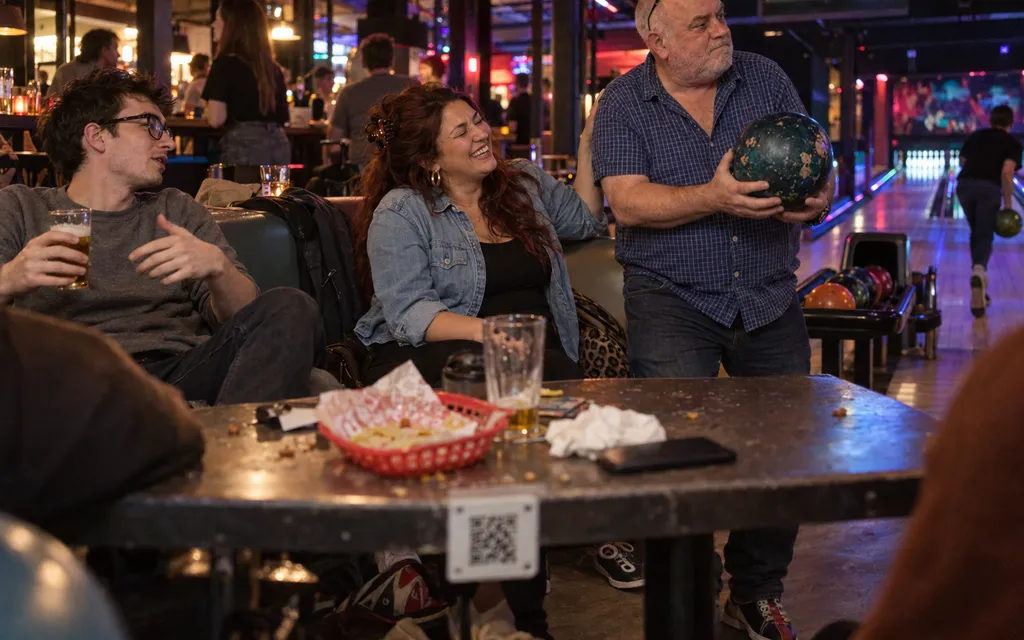
Service shouldn’t stop the game
Attention is on the score
Ordering has to take a few taps, with no explanation needed.
Groups order together
Eight beers, two colas and a big sharing plate for the lane should go in one go.
Lane and bar belong together
The order has to know which lane it belongs to, even when the group sits at a table behind it.
Lane service that doesn’t feel like a break.
Put the sharing plates on top and keep the menu readable in a dark, busy hall.
A round for the whole lane.
Quantities change with one tap, so the group sends everything in one order.
See guest ordering
The bar sees which lane ordered what.
Lane number, drinks and snacks arrive together, in the order they were placed.
See order flowOne QR code per lane.
Each code belongs to one lane or table, and so does a tablet at the lane. Your team never has to search.
See QR codes and tablesWhat bowling centres often ask us
Do we know which lane an order belongs to?
Yes. Every lane has its own QR code and the lane number is printed on every ticket. A tablet at the lane belongs to that one lane in the same way.
Can we also use tablets or a self-service kiosk?
Yes. A fixed tablet at the lane opens the same menu as the QR code, with the lane number attached. At the bar or the entrance a self-service kiosk can stand: groups order and pay there and collect their order with a pickup code. Your team can also enter orders themselves on a tablet at the bar. Everything lands in the same ticket list and POS.
Can guests pay when they’ve finished bowling?
You decide. Guests pay per order, or it goes on the lane’s bill and they settle when they leave.
Is the menu readable in a dark hall?
Yes. Big buttons, clear photos and little text: readable in dimmed light with a ball in the other hand.
Do guests need to download an app?
No. Guests order and pay in their phone’s browser: through the QR code at the table or the link to your own ordering site for takeaway and delivery. At a kiosk they order and pay on the kiosk itself.
Where does an order arrive?
Wherever you want: at the POS, on a ticket printer or on a tablet, split between kitchen and bar if you like. We set that up with you before you go live.
Do I need a POS integration?
No. Without one, orders arrive on an order tablet or a configured printer. With a supported POS integration, they go straight into your POS.