
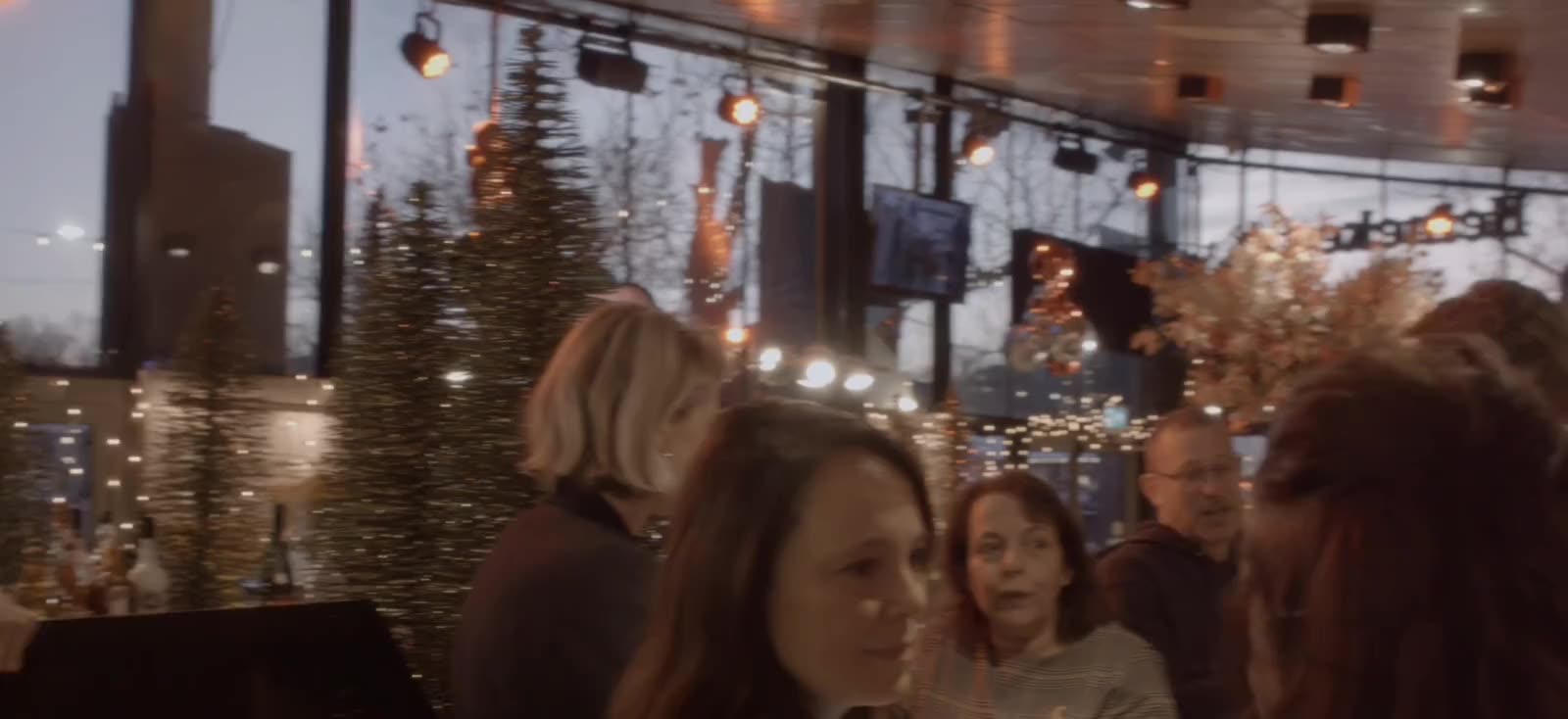
The best ordering solution for hospitality
With Orderli’s QR ordering system, guests order on their own, so you save on staff costs while increasing revenue.
In use at venues including






From guest to bar & kitchen
Every order is in the right place within seconds: drinks on the tablet behind the bar, food on a ticket in the kitchen.
How it worksSkip example Table 18
Table 18Burgers & Handhelds
From the Coals
Sides & Sharing
Desserts
Orders come in and each line goes to the place set up for it: the bar, the kitchen or the terrace bar. One order with both food and drinks is split between the bar and the kitchen.
BarTablet KitchenPrinter Terrace barTablet
Routes
- DrinksBar
- FoodKitchen
- Table 21 – 40 (terrace)Terrace bar









What kind of place do you run?
A café runs differently from a food hall or a hotel. Orderli fits the way you work: orders arrive where your team expects them.
 Bars & cafésQuick repeat orders, with attention left for the table.22:10→ Bar
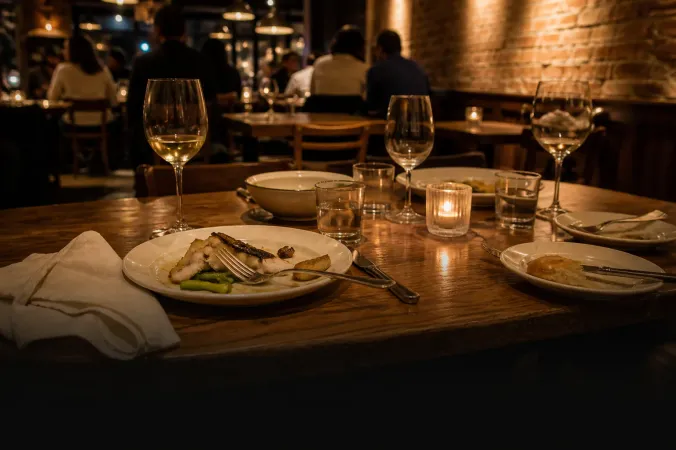 RestaurantsMore service with fewer unnecessary trips.19:42→ Kitchen
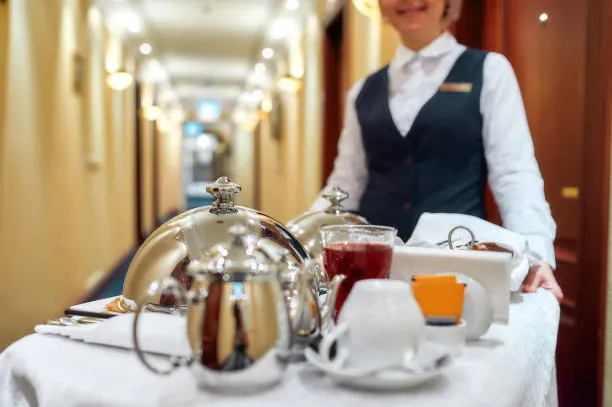 HotelsFrom breakfast to room service.08:15→ Room service
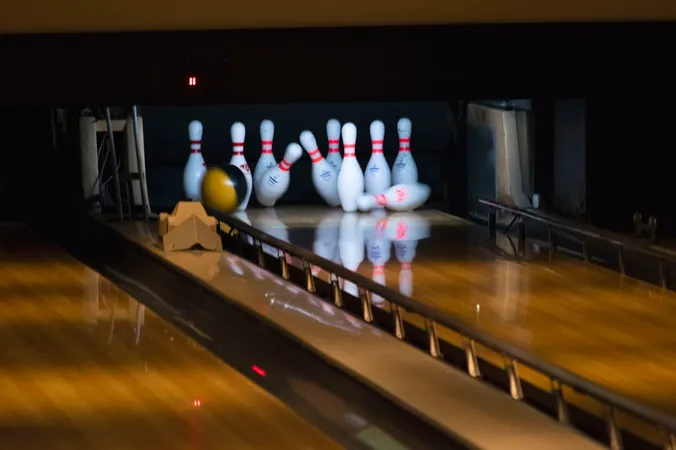 BowlingOrder without leaving the lane.20:05→ Lane desk
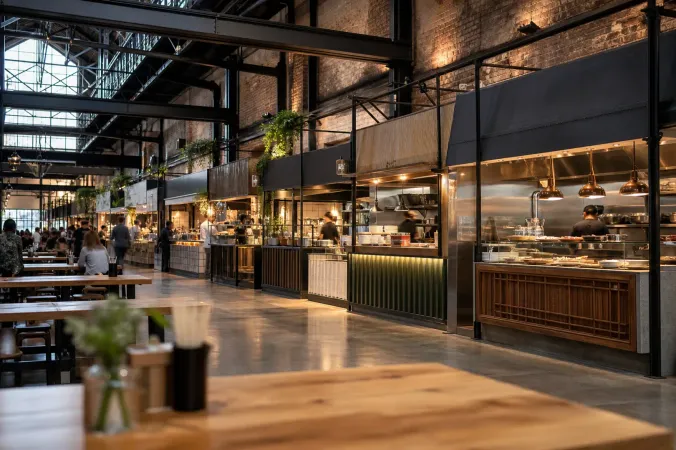 Food hallsEvery stand, one order.13:20→ Stand 4
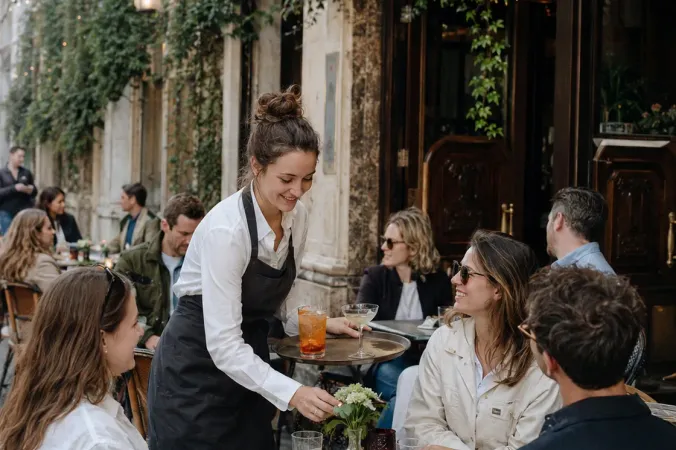 TerracesOrder far from the bar without waiting.16:40→ Terrace bar
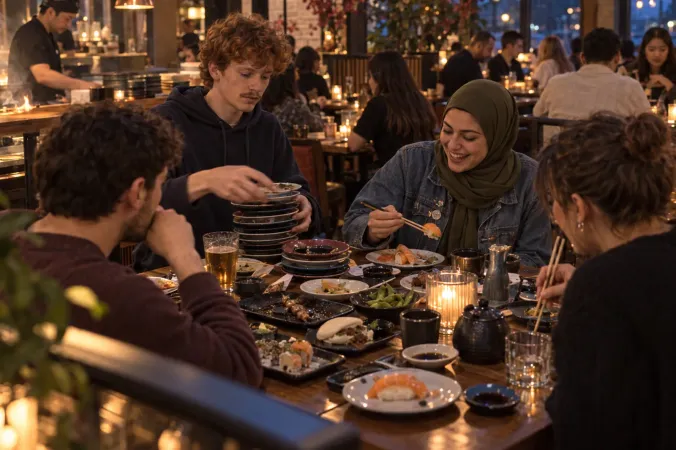 All-you-can-eatRounds and limits without stray notes.18:50→ Grill
From the floor: venues on QR ordering
“Because you take some of the work off the staff, they have more time to give advice, to have a chat, instead of having to run from table to table.”
Finnegan’s Irish PubApeldoornTranslated from Dutch

“As an owner you can regulate the flow yourself, for example by marking products ‘sold out’ or briefly pausing the system when it suddenly gets too busy.”
Entree Magazine · Translated from Dutch

Chong ChuFounder, Foodhallen, Rotterdam

“The main gain from this ordering and payment system is that our staff have more time for guests who can’t decide, or who would rather order face to face.”
Entree Magazine · Translated from Dutch

Hannah BrühlCo-owner, De Bartel Groep (incl. Café Fest), Amsterdam
“We’re critical about details, but Orderli moves fast. When we want something changed, they get to work on it straight away.”
Entree Magazine · Translated from Dutch
Bjurran PironHead of marketing, Grote Markt, The Hague
More than ordering at the table
Paying at the table, tips, the ticket in the kitchen and your sales figures: they all run in the same QR ordering system.
- Pay at the table
- Guest ordering
- Menus and branding
- Self-service kiosk
- Order flow
- Order tablet and printers
- Tipping
- Insights
- Multilingual menus
- QR codes and tables
- Takeaway and delivery
- Allergens and dietary needs
- Payment methods and payouts
- Group tabs
- Smart upselling
- Rush control
- Room service
- Staff ordering
- Menu schedules
- Reports and accounting
- Reviews and feedback
- Promotions and gift cards
- Multiple locations and teams
- Pickup screen and SMS
- Business accounts
- Prep planning
- Bulk menu editing
- POS integration
- Cup deposits
- Orderli in ChatGPT and Claude
- Search the menu
- Your own domain for the webshop
- Food hall: one order, several kitchens
- Zones open and closed
- View-only menu
- Courses
- Untappd for beer menus
- Returning guests
- All-you-can-eat rounds
- Add to an order
Your menu, in your own hands
Change it once in the editor and guests see it on their phones straight away.
- Menus, categories and dishes in one place
- Prices, options and allergens per dish
- Photos, copy and branding in your own style

Skip example
admin.orderli.com
Categories
Products
Drag, or use the arrow keys to move this dish.
Drag, or use the arrow keys to move this category.
Skip exampleTable 18
Table 18Burgers & Handhelds
From the Coals
Sides & Sharing
Desserts
Works with your POS and your tools
Orders land straight in your POS, payments run through providers you know, and your printer, accounting and marketing connect too.
- POS systems
- Lightspeed
- unTill
- Vectron
- MplusKASSA
- Bork
- Trivec
- Matrix
- Povis
- Micas
- Payments and printers
- Rootline
- Mollie
- Stripe
- Adyen
- SumUp
- Sentoo
- Epson
- Star
- Citizen
- Hotel, accounting, marketing and more
- Mews
- DATEV
- Moneybird
- Google Reviews
- Mailchimp
- Gifty
- BiteBerry
- Google Analytics
- Meta Pixel
- Untappd
- Cookiebot
- Webhook API

























Frequently asked questions
What is Orderli?
Orderli is an ordering and payment platform for hospitality, from Rotterdam. Guests order and pay by QR code at the table, at a self-service kiosk or in your own webshop for pickup and delivery. The order arrives at your POS, a printer or a tablet.
What kind of venues is Orderli for?
All kinds of hospitality: restaurants, cafés and bars, hotels, food halls, festivals, bowling alleys and all-you-can-eat restaurants, but also stadiums and sports clubs, terraces, campsites and workplace restaurants. For each type of venue we show how ordering and paying work there.
Which way of ordering suits my venue?
At the table, guests order most easily by QR code on their own phone. Where guests queue, at a counter or in a food hall, they order at a kiosk. For takeaway and delivery they order on your own ordering site. QR ordering and the kiosk use the same menu and POS link, so they can run side by side.
Do guests need to download an app?
No. Guests order and pay in their phone’s browser: through the QR code at the table or the link to your own ordering site for takeaway and delivery. At a kiosk they order and pay on the kiosk itself.
Which payment methods can guests use?
iDEAL | Wero, card, Apple Pay, Google Pay and Bancontact, depending on your payment provider, or simply at the counter. Per menu you choose: online, at the counter, cash only or on account.
Do I need a POS integration?
No. Without one, orders arrive on an order tablet or a configured printer. With a supported POS integration, they go straight into your POS.
What does Orderli cost?
You pay a fixed monthly fee, with no setup fee and no hidden costs. Payment fees only apply when a guest pays online. The current amounts per plan are on the pricing page.
How soon can we go live?
That depends on your POS, printers, locations and the service you choose. We map those first, so you know where you stand.
One more round?
Leave your details and we'll take it from there.
Less running. More hospitality.
- We'll get in touchWithin one working day, about your venue, your POS and your service.
- We set up your menuYou send us your menu, we build it in your own branding.
- QR codes on the tablesYour team gets a short briefing and your guests order themselves.
- No setup fee
- Help with your menu
- Support in English